Set up the session
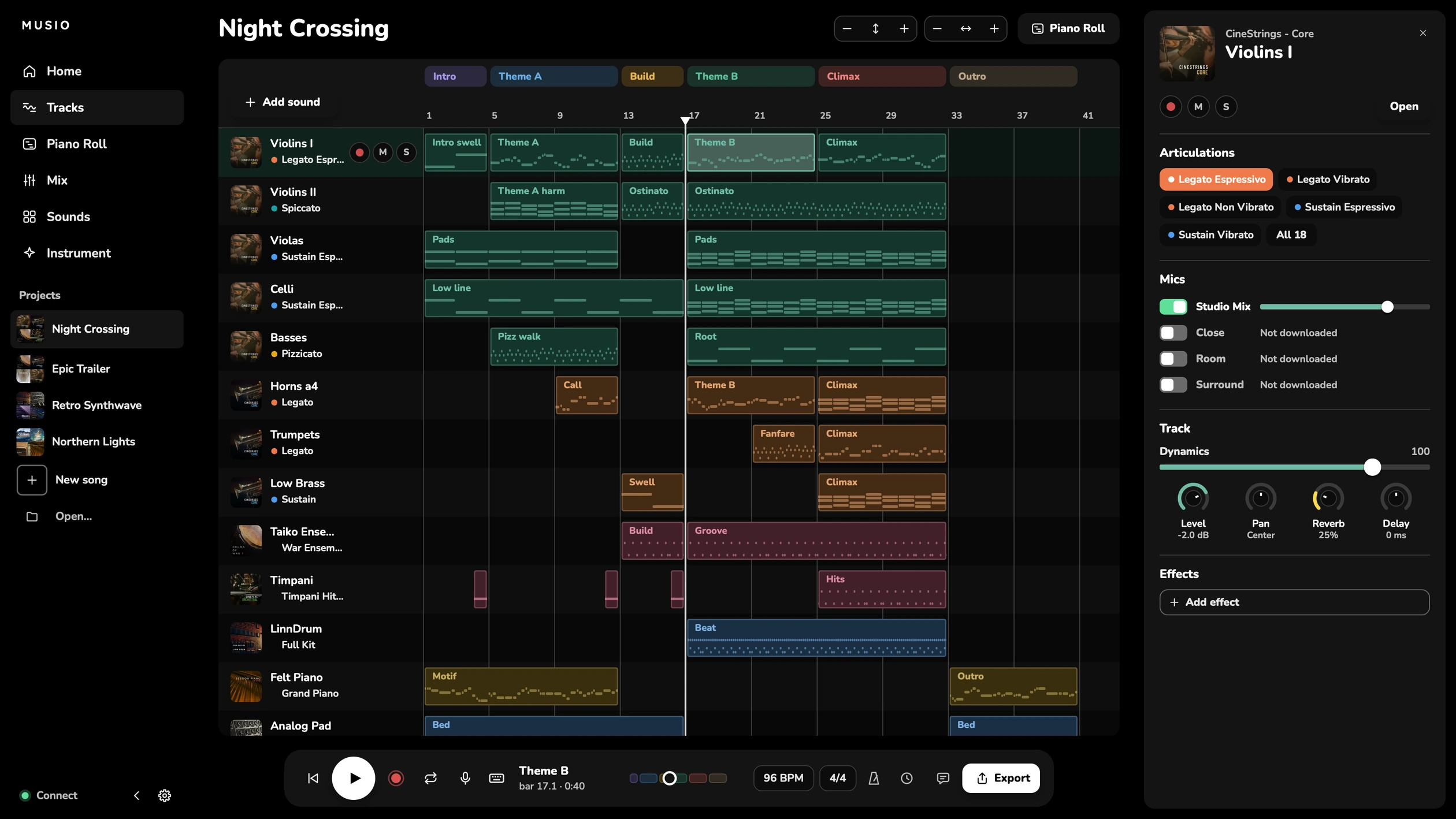
Tracks with the sounds you ask for, named and in order. The tempo, time signature, key and sections. From a template or a blank song.

MCP For agents and assistants
MCP is a standard feature in most modern apps, so Musio Studio supports it. Connect your own agent to do the setup and the busywork. We’re curious what you do with it.
Works with
 Claude Code
 Codex
Codex Cursor
Names and logos belong to their owners. No partnership is implied.
Everything you’d do with the mouse and keyboard, in a sentence. Every change is one step in Undo.
Tracks with the sounds you ask for, named and in order. The tempo, time signature, key and sections. From a template or a blank song.
Search every Musio collection by name or by feel, like “warm pad” or “spiccato”. Set articulations, mic positions and each instrument’s own controls.
Levels, pan and reverb. Effects and buses. Measure every track’s loudness, and bring the master to its target.
Move, copy, split and join clips. Repeat or clear bars across every track. Keep the sections labelled.
Import the video, set the timecode, mark the hit points, and find tempos that land them on the beat.
Bring in MIDI and audio. Export WAV, MP3, stems for every track, or MIDI. Download any sounds the song is missing.
With Musio Studio open, tell your agent what you need.
Musio Studio doesn’t and can’t generate music. Any agent you connect is your own, and outside Musio’s control.
The MCP server only runs when you switch it on in Settings, under Agents. Switch it off any time.
It listens on your own computer only, and an app needs your token to connect.
Each change the agent makes is one step in Undo, like any change of yours.
Open Musio Studio, then Settings. Under Agents, turn on Claude Code and other MCP apps.
Click Copy Claude Code Command and paste it into Terminal. It looks like this, with your token:
claude mcp add --transport http musio-studio http://127.0.0.1:47820/mcp --header "Authorization: Bearer <your token>"
Add an MCP server at http://127.0.0.1:47820/mcp with the header Authorization: Bearer and your
token (Copy Token). The address and token stay the same, so you set an app up once.
Keep Musio Studio open while your agent works. You see each change as it happens.
What you’d do with the mouse and keyboard, faster: add tracks and pick their sounds, search the catalog, set articulations, mics and levels, add effects and buses, move and copy clips, set the tempo and sections, line up hit points on a video, import MIDI and audio, and export WAV, MP3, stems or MIDI. Every change is one step in Undo.
Musio Studio has an MCP server built in. Turn it on in Settings, under Agents, then click Copy Claude Code Command and paste it into Terminal. For another MCP app, give it the address in that command (http://127.0.0.1:47820/mcp) and the token from Copy Token. The address and token stay the same, so you set an app up once.
Claude Code, with the command Musio Studio copies for you, and other apps that support MCP over HTTP, such as Codex and Cursor. They’re your own apps, outside Musio’s control. Names belong to their owners; Musio has no partnership with them.
No. Musio Studio doesn’t and can’t generate music. MCP is a standard feature in most modern apps, so Studio supports it, and we’re curious what people do with it.
It’s off until you turn it on. It listens only on your own computer, and an app needs your token to connect. The agent works through Musio Studio’s own actions, on the song you have open and your Musio songs, and any change it makes can be undone. Turn it off in Settings at any time.
No. Musio Studio and its MCP server are free with a free Musio account, on Mac, Windows and Linux. The agent can use any sound you have: the free sounds, or every sound with Musio Complete ($179/year, or $25/month).
Musio Studio and the free sounds cost nothing. Musio Complete opens every sound.